

The Legal & Security Guide to Corporate Visitor Management and Document Signing
The Legal & Security Guide to Corporate Visitor Management and Document Signing
For modern enterprises, the reception lobby is no longer just a physical greeting area. It is a security perimeter and a compliance checkpoint. Every visitor, contractor, and vendor crossing this threshold represents a potential security risk or a compliance auditing liability.
Historically, companies tracked these individuals using paper-based sign-in logs. However, under modern security frameworks and international data privacy laws, paper logbooks are a major liability. They expose Personally Identifiable Information (PII) to anyone standing at the front desk, are easily lost in physical files, and do not provide legally binding signatures for non-disclosure agreements (NDAs) or safety waivers.
To solve this, compliance directors, IT security officers, and legal counsels are transitioning to digital visitor registration and mobile document signing systems. This guide provides a comprehensive analysis of the legal validity of digital waivers, data privacy compliance (GDPR, HIPAA, CCPA), and technical security standards for corporate lobbies.
1. The Legal Framework of Digital Waivers and Electronic Signatures
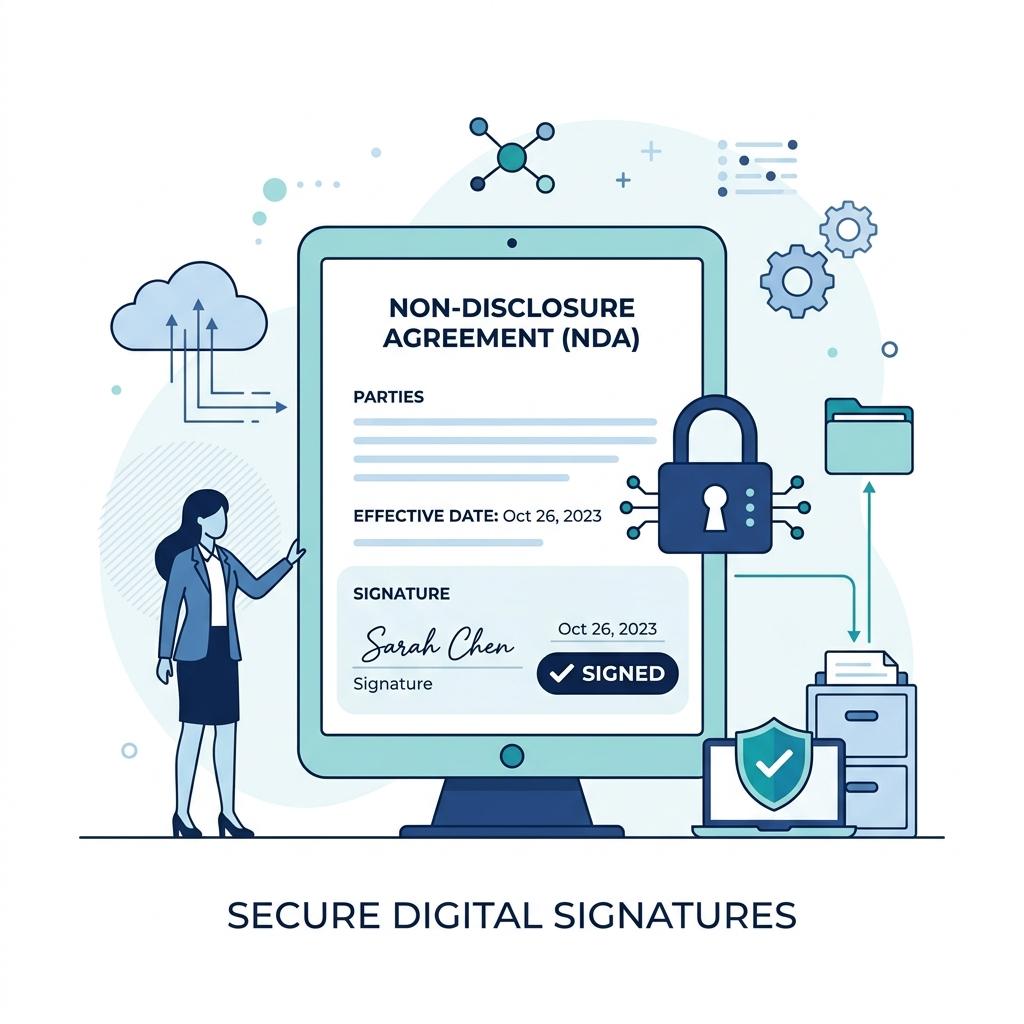
A critical feature of a modern visitor management system (VMS) is the ability to have visitors sign legal documents—such as NDAs, safety agreements, and liability waivers—directly on their mobile devices during check-in. To ensure these documents hold up in court, they must comply with specific electronic signature regulations.
The ESIGN Act (United States Federal Law)
Enacted in 2000, the Electronic Signatures in Global and National Commerce Act (ESIGN) grants electronic signatures the same legal status as handwritten signatures. Under the ESIGN Act, a contract or waiver cannot be denied legal effect solely because it is in electronic form.
UETA (United States State Law)
The Uniform Electronic Transactions Act (UETA) has been adopted by 49 US states (with New York having its own similar framework, the Electronic Signatures and Records Act). UETA establishes that electronic records and signatures are legally binding in state-level transactions.
Key Requirements for a Legally Binding Mobile Signature
For a digital waiver signed via a mobile-based QR check-in to be legally binding under ESIGN and UETA, the visitor management system must satisfy four core legal criteria:
- Intent to Sign: The system must clearly show that the visitor intended to sign the document. This is achieved by requiring a deliberate action, such as drawing a signature on a touchscreen or checking a box next to an “I Agree” statement.
- Consent to Do Business Electronically: The guest must consent to conduct the transaction electronically. A compliant check-in flow includes a clear statement informing the visitor that they are signing a legally binding electronic agreement.
- Association of Signature with the Record: The system must securely attach or logically associate the signature with the specific document being signed. When a guest signs on their phone, the VMS must bind that signature vector and a timestamp to the exact version of the NDA or waiver.
- Record Retention: The signed document must be stored in a format that can be retrieved, viewed, and printed by both parties for future reference.
2. Technical Security Standards for Corporate Visitor Logs
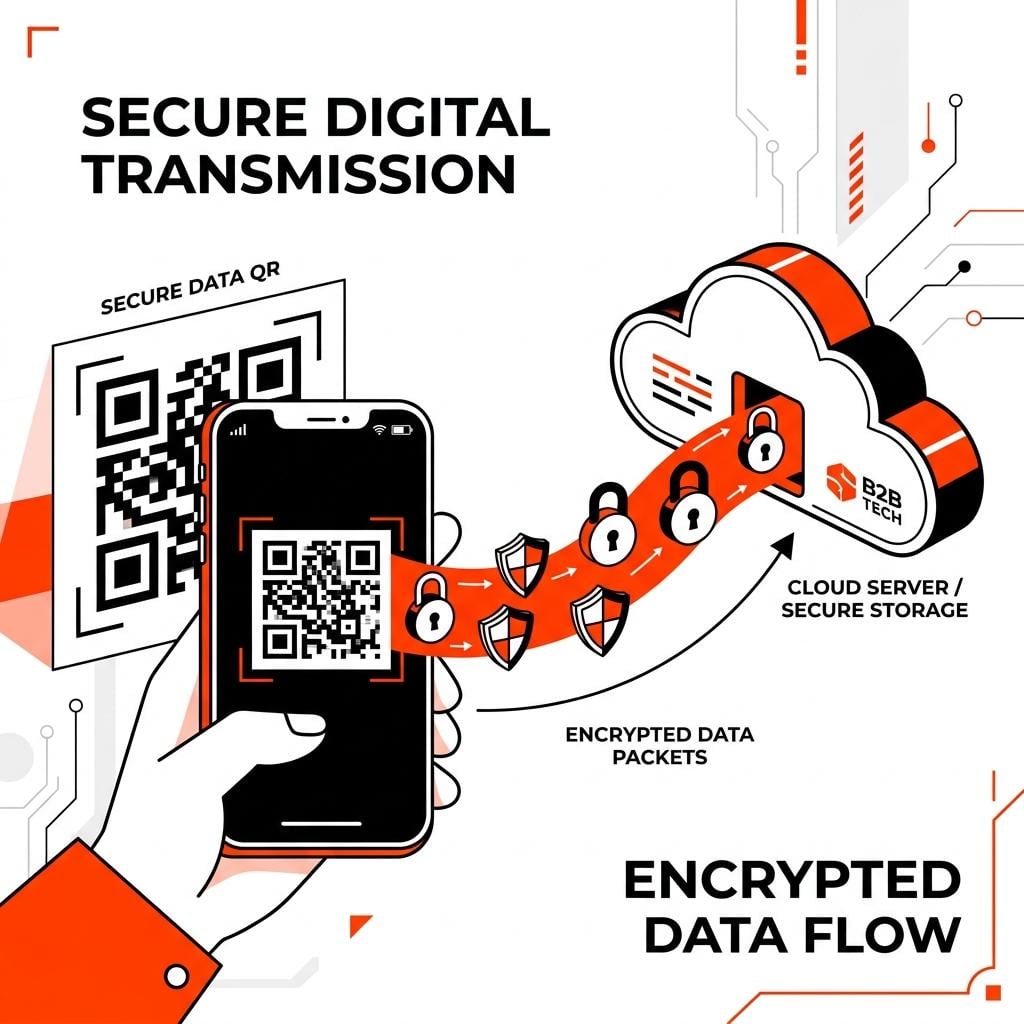
Digital visitor registration requires collecting, processing, and storing sensitive data. Security teams must ensure the VMS meets modern enterprise security standards to prevent data breaches.
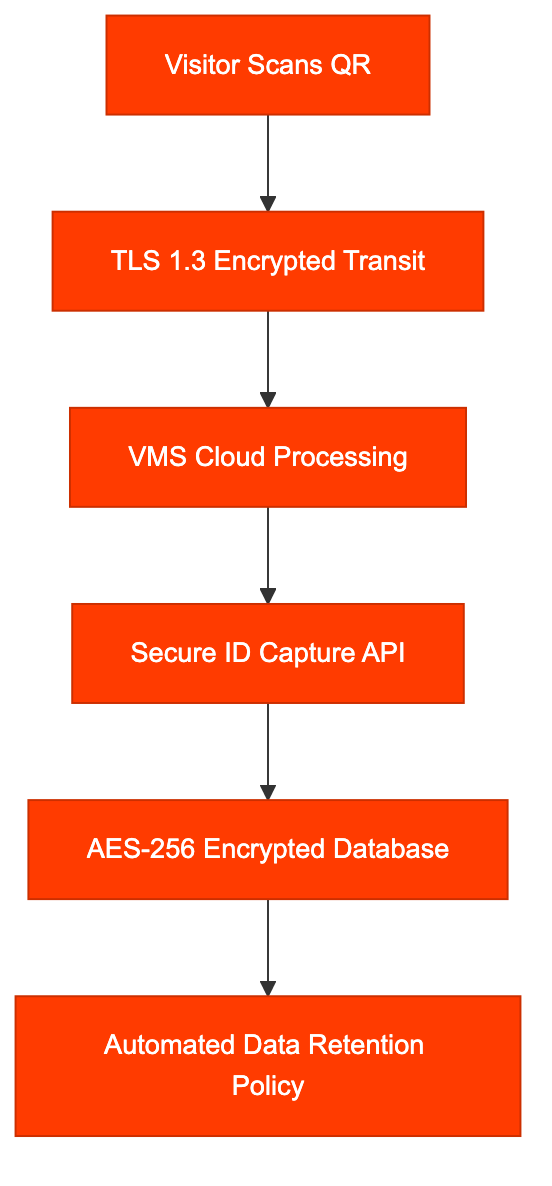
Encryption in Transit and at Rest
All visitor data, signature files, and captured documents must be encrypted at all stages of the check-in process:
- In Transit: Data sent from the visitor’s mobile browser to the VMS cloud servers must use secure protocols (HTTPS using TLS 1.3 or TLS 1.2).
- At Rest: Stored databases containing visitor logs and signed legal documents must be encrypted using advanced encryption standards (AES-256).
In-App ID Capture and Identity Verification
For high-security facilities, verifying a visitor’s identity is critical. Traditional lobbies require receptionists to physically inspect a driver’s license and manually type in the details—a slow process prone to transcription errors.
A modern VMS utilizes In-App ID Capture, allowing visitors to use their smartphone cameras to scan their ID card. To remain secure and compliant:
- The ID photo must be processed securely via OCR (Optical Character Recognition) to extract the name and verification details.
- To comply with privacy standards, the system should avoid storing the raw physical ID image permanently unless absolutely required by federal defense contracts (e.g., ITAR compliance). Instead, it should extract the verification stamp and purge the raw image file.
Audit Trails and Access Control
Security administrators must have access to a tamper-proof audit trail. The VMS should record:
- The precise timestamp of entry and exit.
- The IP address and device fingerprint of the phone used for the QR scan.
- The specific host employee who approved the visit.
- Administrative access logs, showing which staff members viewed or exported visitor data.
3. Compliance with Data Privacy Regulations
Lobby check-in logs collect Personally Identifiable Information (PII) and, in some environments, Protected Health Information (PHI). Consequently, they are subject to strict compliance audits.
GDPR (General Data Protection Regulation – Europe)
If your corporate facility hosts European citizens, your visitor logging practices must comply with GDPR. Key principles include:
- Data Minimization: You must only collect information that is strictly necessary for security (e.g., name and host name). Avoid asking for unnecessary details like home address or personal phone numbers.
- Privacy Notice: A GDPR-compliant VMS displays a short privacy notice explaining what data is collected, why, and how long it is stored before the visitor checks in.
- Right to Erasure (Right to Be Forgotten): Guests have the right to request the deletion of their personal logs. The VMS must allow administrators to purge specific visitor records.
- Log Retention Policies: Storing visitor records indefinitely is a GDPR violation. The VMS should allow automated log retention rules (e.g., auto-deleting or anonymizing visitor logs after 30 or 90 days).
CCPA / CPRA (California Consumer Privacy Act)
Under California law, businesses must inform guests about the categories of personal information collected at the point of collection and allow them to opt out of the sale or sharing of their data. A digital visitor sign-in sheet makes it easy to present these disclosures dynamically on the user’s mobile screen.
HIPAA (Health Insurance Portability and Accountability Act – Healthcare)
In healthcare and clinical lobbies, patient privacy is paramount. Traditional paper sign-in sheets are a HIPAA liability because patients can easily see the names, check-in times, and potential reason-for-visit codes of previous patients.
- A mobile-first QR system (like SigninLink) is a BYOD (Bring Your Own Device) solution. Each patient fills out their check-in form on their own mobile screen.
- Because the data goes directly from the patient’s browser to a secure database, no other patients in the lobby can view their private information, ensuring full compliance with HIPAA’s administrative and physical safeguards.
4. Operational Comparison: Paper vs. Digital Compliance
|
Compliance Metric |
Paper Sign-In Sheets |
Digital VMS (BYOD QR) |
|
PII Exposure |
High (Visible to anyone at the desk) |
Zero (Private screen check-in) |
|
ESIGN / UETA Validity |
N/A (Handwritten only) |
High (Cryptographic binding & IP logs) |
|
Audit Retrieve Time |
Hours/Days (Filing cabinet search) |
Instant (Digital query) |
|
GDPR Auto-Purge |
Manual (High labor cost to shred) |
Automatic (Scheduled cloud retention) |
|
Emergency Evacuation |
Poor (Requires grabbing physical book) |
High (Cloud-accessible on coordinator’s mobile) |
5. Security & Legal Checklist for VMS Deployment
Before deploying a digital visitor registration system, compliance officers should execute this verification checklist:
- Verify Encryption: Confirm the vendor uses TLS 1.3 for data transit and AES-256 for storage.
- Configure Retention Rules: Set the auto-delete threshold for visitor logs (e.g., delete PII after 90 days, retaining only anonymized check-in counts).
- Format Digital Disclosures: Have your legal team review the lobby NDA or safety waiver text to ensure it complies with the ESIGN Act’s consent requirements.
- Establish Access Controls: Restrict employee dashboard permissions. Only security administrators should have rights to export visitor spreadsheets.
- Set Up Host Alerts: Enable SMS/email host notifications to ensure guests are escorted immediately upon arrival, maintaining physical security boundaries.
Conclusion
Transitioning to a digital visitor management system is no longer just about removing paper clutter from your reception desk. It is a strategic requirement for mitigating legal, compliance, and cybersecurity risks. By adopting a hardware-free, QR-based visitor registration platform like SigninLink, enterprises ensure their visitor flows comply with the ESIGN Act, GDPR, and HIPAA, while providing a modern, frictionless check-in experience for guests.
Protect your workspace and stay compliant. Explore SigninLink’s security features and start your free trial today.

